Real-Time Gameplay
Powered by SignalR for instant synchronisation across all connected devices – no refreshing required.
A free, open-source, self-hosted Jeopardy-style quiz game built with ASP.NET Core and React. Real-time buzzers, rich media questions, and a beautiful display view – all running in a single Docker container.
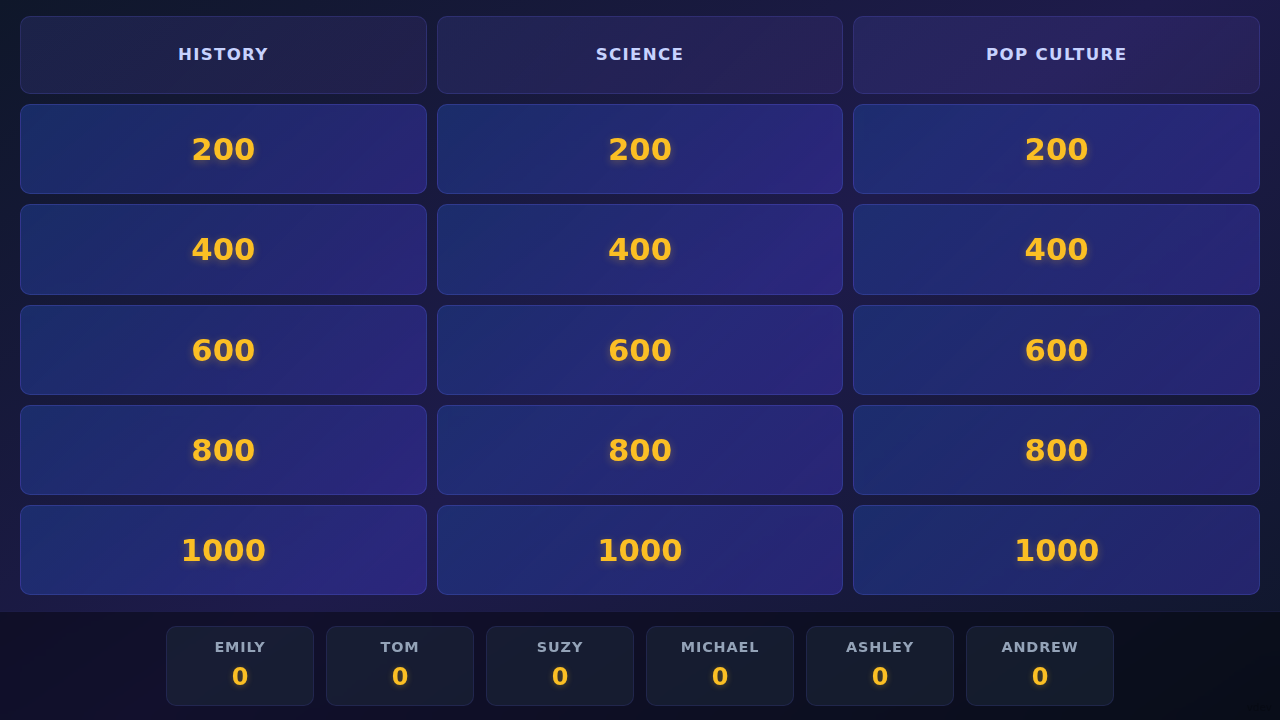
Powered by SignalR for instant synchronisation across all connected devices – no refreshing required.
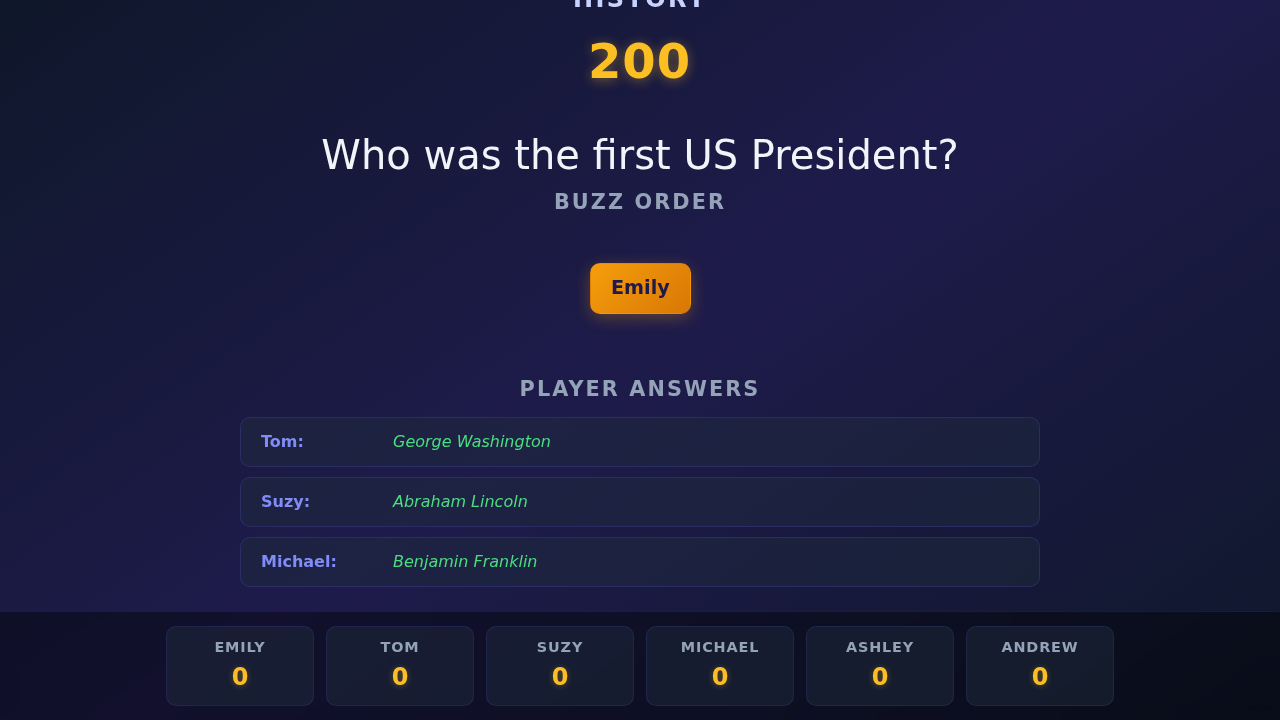
Display – beautiful game board on the projector.
Remote – host control panel.
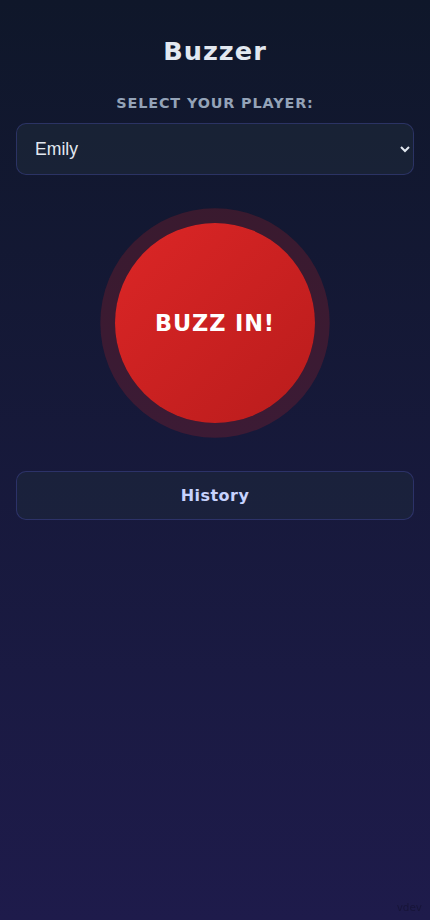
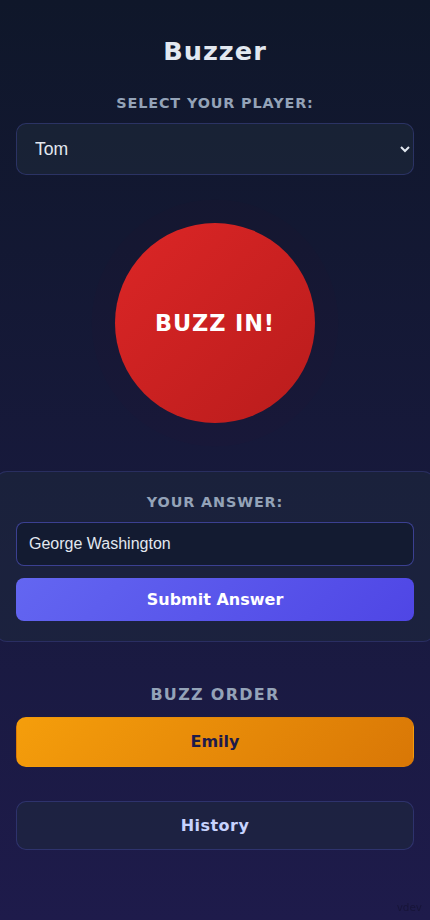
Buzzer – player buzzer on any phone.
Planner – offline editor for preparing boards.
Merger – offline tool for combining quiz bundles.
Tracks buzz-in order with precise millisecond timestamps, with an optional preserved queue that limits each player to one buzz per activation.
Start an animated countdown (1–999 seconds) for any question. The timer sits in the corner of the Display so it never covers the question. The host can pause, resume or cancel the running timer, and it also pauses automatically when a player buzzes in and resumes once the buzzer queue is cleared. When time runs out the buzzer is deactivated and the answer input toggle is unchecked.
Standard text, image, image mozaik (progressive reveal), audio, and video questions – all supported out of the box.
Create your own categories, set point values (200–1000), upload media files, and tailor every question to your event.
Scores update automatically when the host awards or deducts points. Players see their standing update instantly.
The player whose turn it is to pick the next category is highlighted with a glowing orange border – no more arguments about whose turn it is. Hosts can manually hand over selection or hide the highlight entirely from the Setup screen.
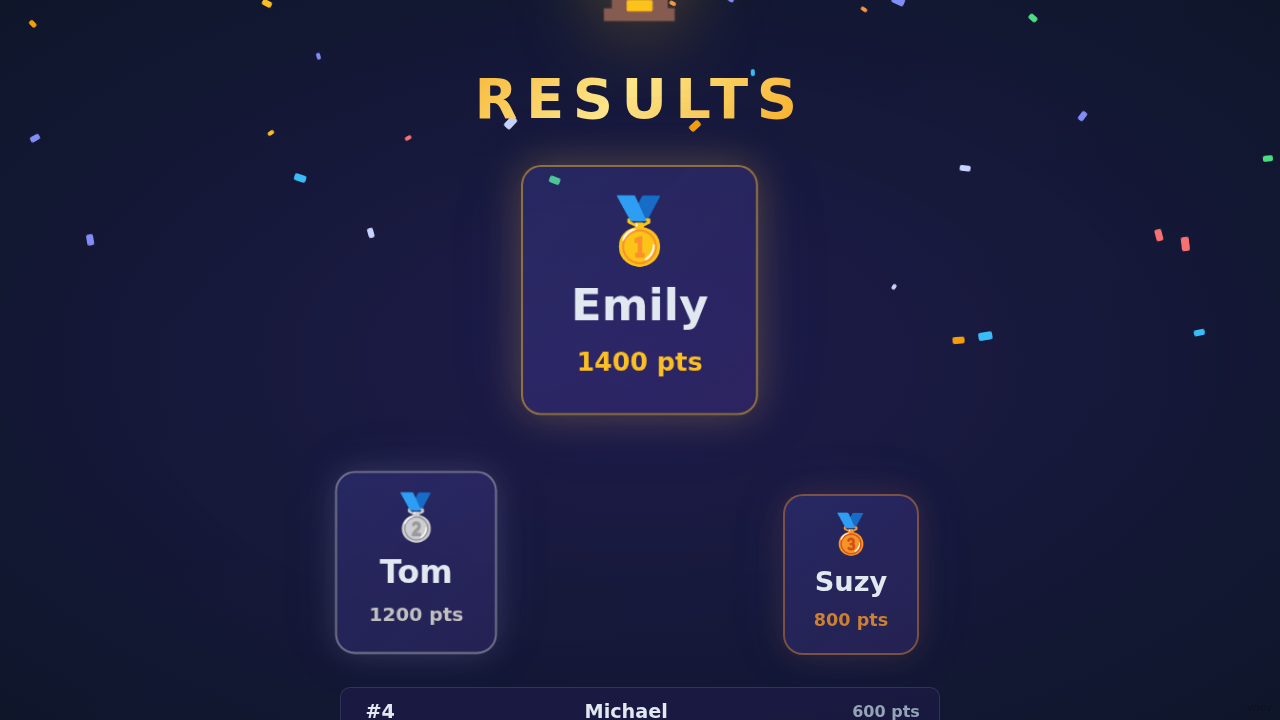
A hall of fame that survives container restarts. It's displayed alongside the winner screen after every game.
Upload your own sound effects on the /admin page and fire them from the Remote Control's Sounds tab – they play right through the Display. Sounds layer on top of each other, and every running sound shows up in a "currently playing" list with its own volume slider so you can cut it short or mix it whenever you want – the last volume of a sound becomes its default, and a master volume slider scales everything at once while keeping the ratios intact. Export the whole soundboard as a ZIP – audio files plus a soundboard.json with the button names – and import it again on any other server.
A dedicated /admin page lists all media files stored on the server. Download files individually, or select several (with select all) to download them as a ZIP or delete them in one go. The page is password protected — configure the password via the ADMIN_PAGE_PASSWORD environment variable.
Only one device hosts at a time. If a second device opens /remote it waits on a lock screen while the device in control is warned about potential cheating and gets 30 seconds to let it in or block it. No decision? The device is let in automatically, so you can never lock yourself out.
Spin a wheel of all players, complete with names and avatars, to randomly pick someone for the next question, challenge, or tiebreaker. The wheel decelerates with a satisfying ease-out and reveals the chosen player on the Display.
Flash a large QR code overlay on the Display so players can scan it and jump straight to the Buzzer page — no typing URLs. Need a clean stage for a media moment? Hide the board with a single toggle from the Setup tab.
Save and restore full game state in JSON. Reuse question packs across sessions or share them with friends.
Prepare entire quiz boards at /plan without touching a running game. Categories, questions, and uploaded media live in your browser (localStorage + IndexedDB) and export to a ZIP that imports straight into the Remote Control.
Combine two or more quiz ZIPs at /merge into a single bundle. Choose exactly which categories to take from each uploaded file; categories that share the same name are merged into one and their questions are concatenated – all done in your browser without touching the live game.
Deploy anywhere with one docker compose up command. Media uploads (including the soundboard) and highscores are stored in named volumes.
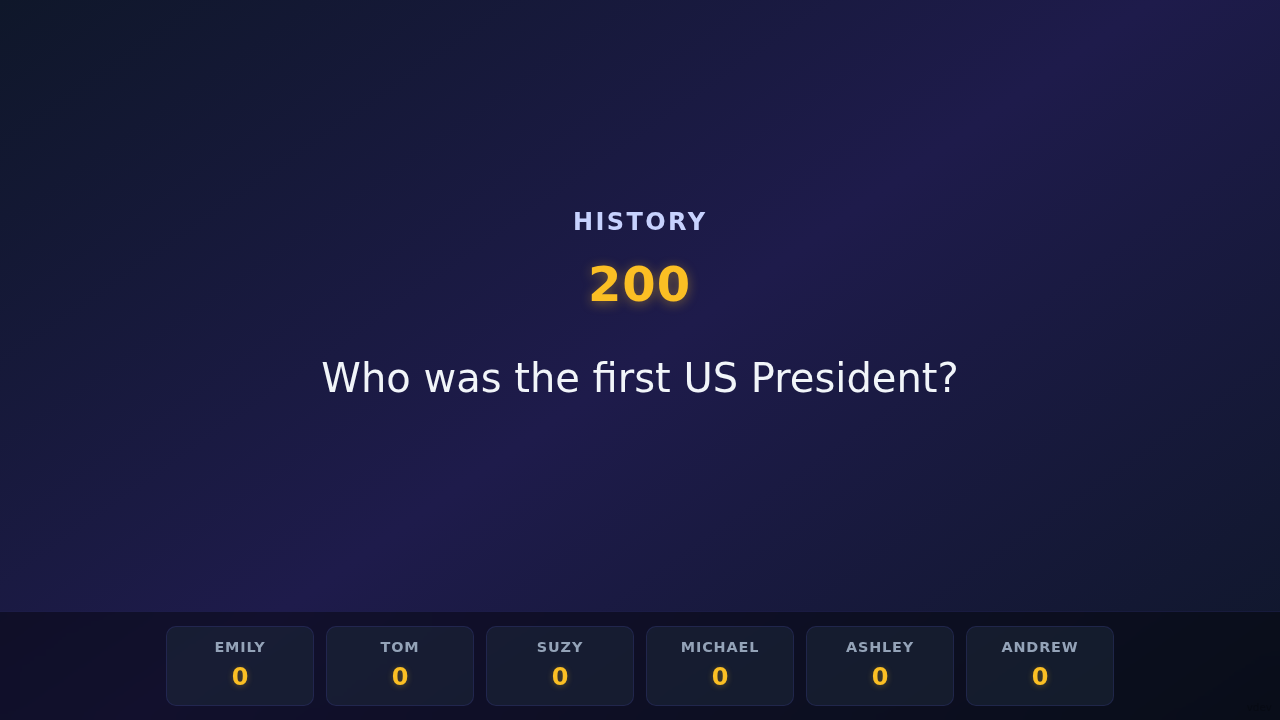
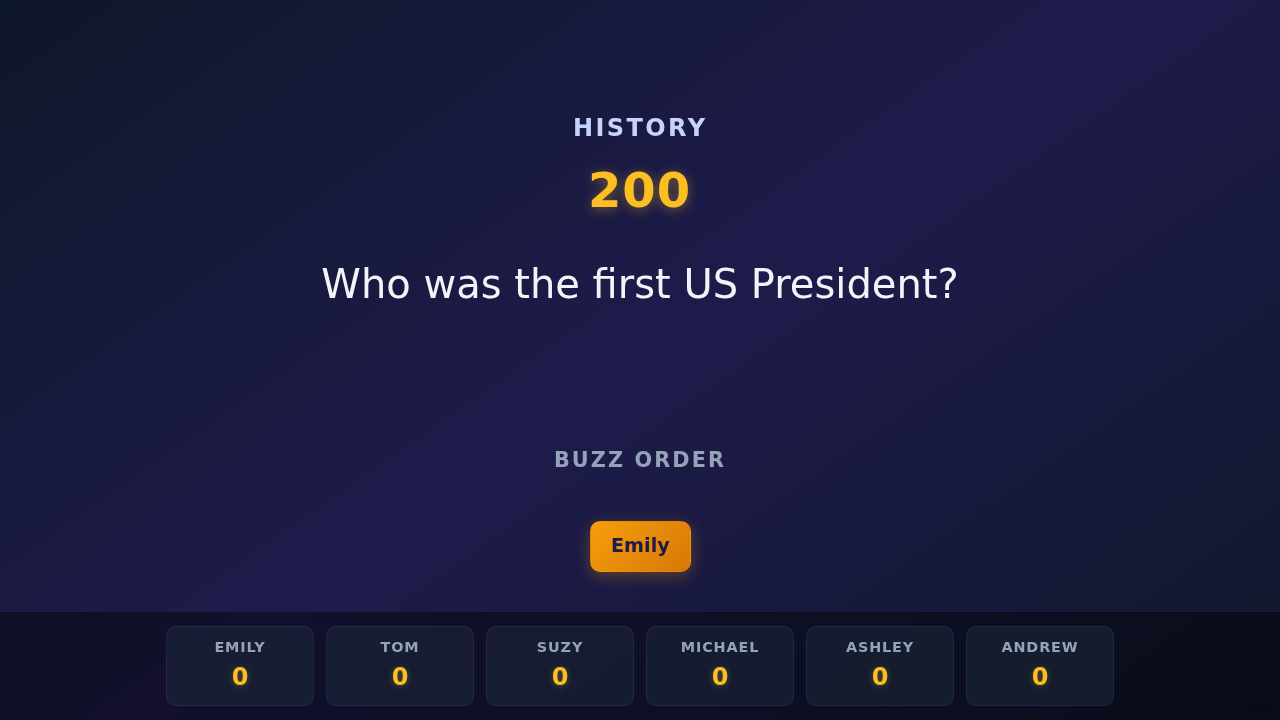
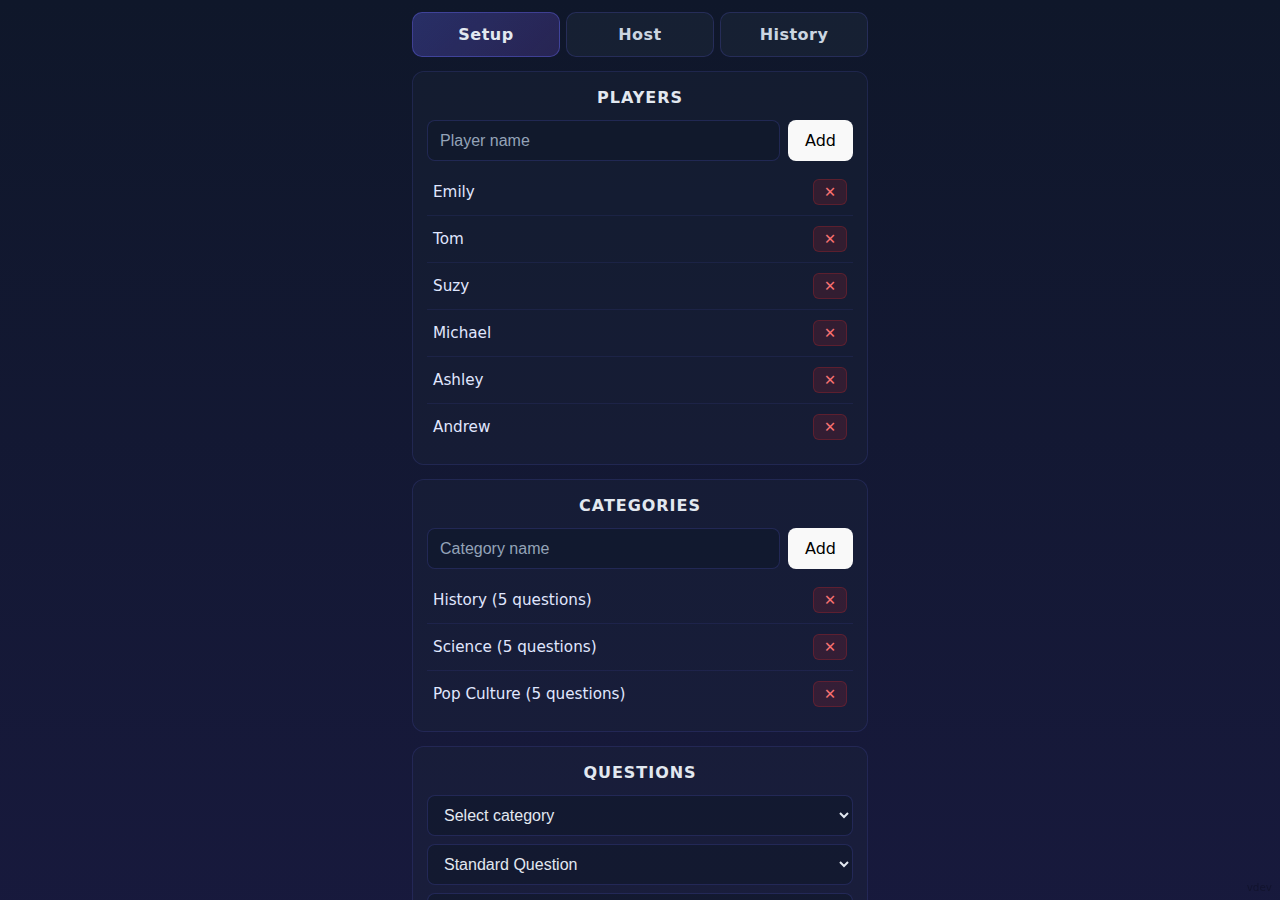
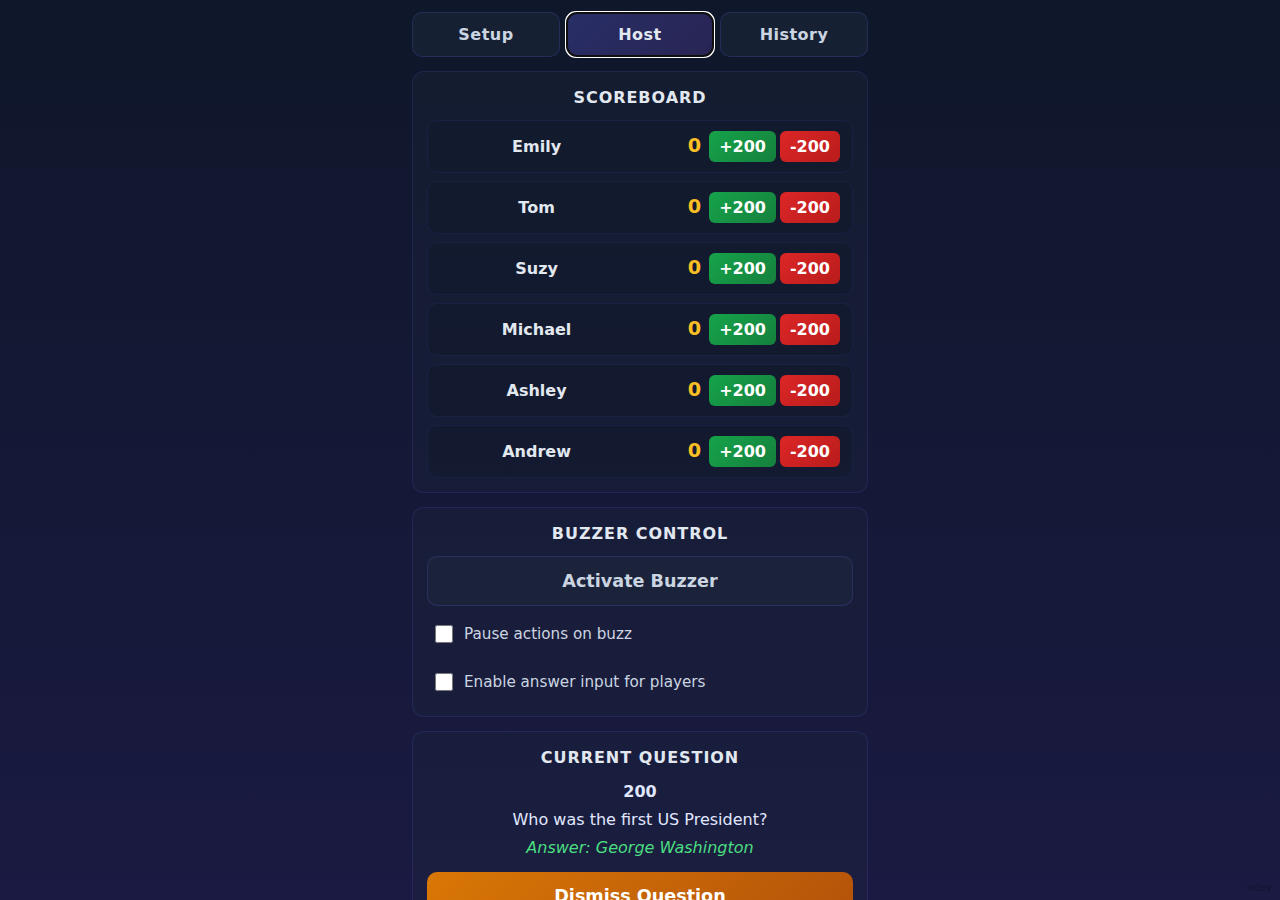

Open the Remote Control (/remote), add players, create categories, and write your questions. Choose a type for each question and upload any media files.
Display the Display View (/display) on a TV or projector. Each player opens the Buzzer (/buzzer) on their phone and selects their name.
Select a category and value from the board, reveal the question, and watch the buzzers light up. Award points, move on, and let the quiz engine handle the rest.
When all questions are answered the display shows the podium and updates the all-time highscore board automatically.
The fastest way to run Custom Quiz Host is with Docker Compose.
docker-compose.ymlservices:
custom-quiz-host:
image: ghcr.io/michamican/custom-quiz-host:latest
ports:
- "8080:8080"
volumes:
- uploads:/app/uploads
- highscores:/app/highscores
restart: unless-stopped
volumes:
uploads:
highscores:docker compose up -dhttp://localhost:8080/display
http://localhost:8080/remote
http://localhost:8080/buzzer
http://localhost:8080/plan
http://localhost:8080/merge
Want to hack on the code? You'll need .NET SDK 10.0+ and Node.js 20+.
git clone https://github.com/MichaMican/custom-quiz-host.git
cd custom-quiz-host/customquizhost.client
npm install
cd ../CustomQuizHost.Server
dotnet runCustom Quiz Host is free and open-source. Star the repo to show your support and help others discover it.